Drag & Drop Document Builder
Build complex documents visually without writing a single line of code
Visual Document Design Made Simple
Our intuitive drag-and-drop interface empowers anyone to create sophisticated database-driven documents. Whether you're a business analyst, database administrator, or non-technical user, you can design professional forms and documents in minutes.
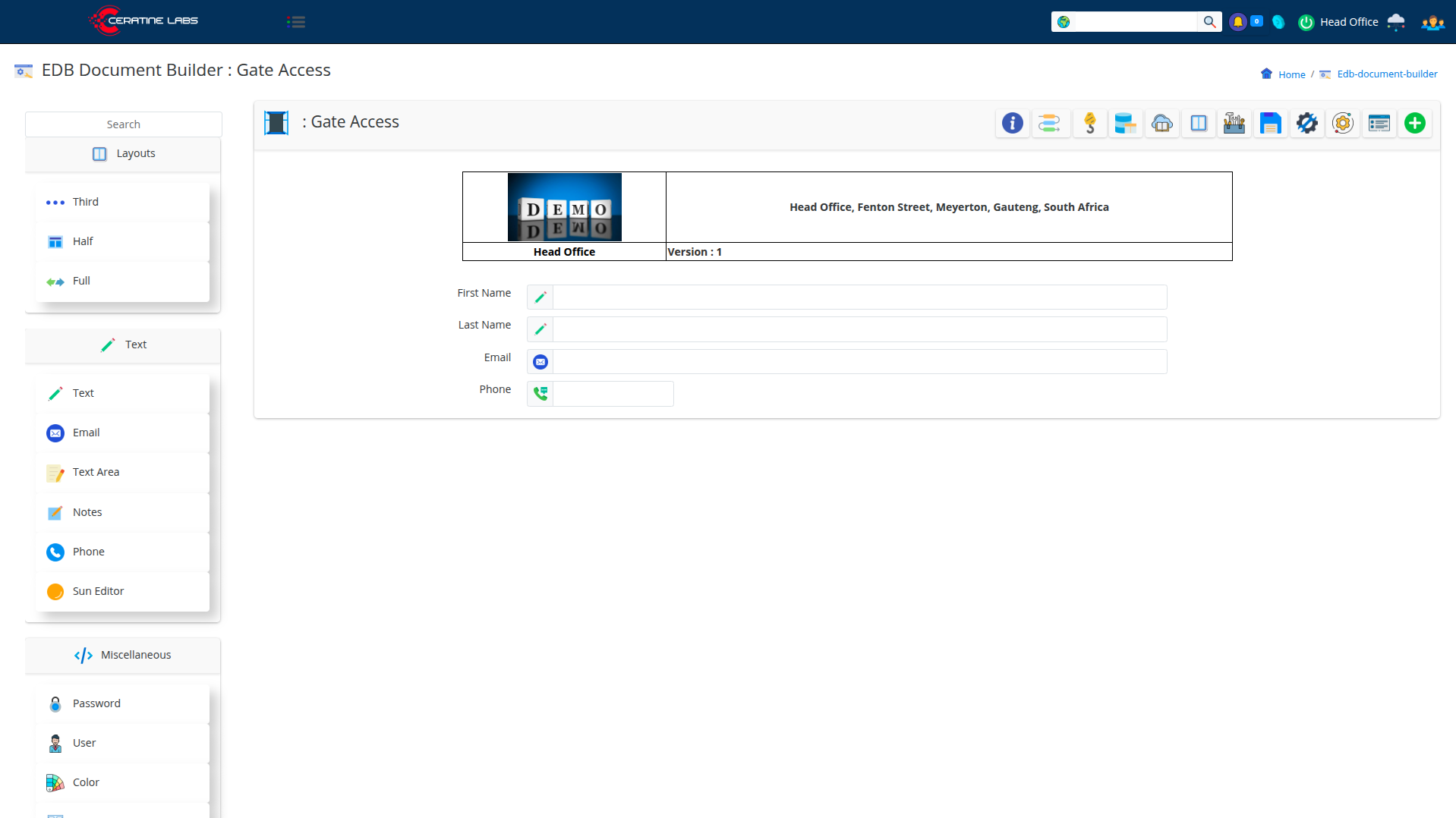
Component Library
Access a rich collection of pre-built field components that handle common data types and input scenarios:
- Text Fields - Single-line text input with validation
- Numeric Fields - Integer & Decimal
- Text Areas - Multi-line text for longer content
- Email Fields - Built-in email validation and formatting
- Phone Fields - International phone number support
- Notes - Rich text editing capabilities
- Password Fields - Secure password input with encryption
- Sun Editor - Advanced WYSIWYG editor for formatted content
- Drop Downs - Drop down elements
- Radios - Radio selectors
- Dictionaries - Defined and Dynamic (Database driven)
- Media - File and Image
- Map - Google maps input with full address specifications
- Password - Password
- Boolean - Yes - No, Switch
- Signature - Singable Signature Component
- Date & Time - Date and Time
- Displayers - Form dividers
- Misc - Color, IP, URL, User and more!
Flexible Layout Options
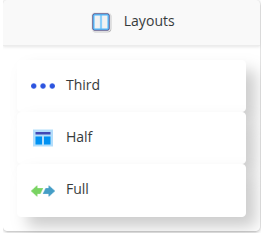
Control exactly how your document looks with multiple layout configurations:
- Third Layout - Place three fields side-by-side for compact forms
- Half Layout - Two-column layouts for balanced designs
- Full Layout - Single column for emphasis on important fields
- Mixed Layouts - Combine different layouts in the same document
- Responsive Design - Automatically adapts to different screen sizes
Real-Time Preview
See your document come to life as you build it:
- Instant visual feedback as you add components
- Live layout adjustments
- Preview how end-users will interact with your document
- Test data entry before going live
- Mobile and desktop preview modes
Build in Minutes, Not Hours
The drag-and-drop interface dramatically reduces development time:
- No coding knowledge required
- Create a simple form in under 5 minutes
- Duplicate and modify existing documents
- Reuse components across multiple documents
- Version control and document history
How It Works
- Search or Create - Start with a blank document or search for existing layouts
- Choose Layout - Select your preferred column layout (Third, Half, or Full)
- Add Components - Drag field types from the sidebar onto your canvas
- Configure Fields - Set labels, validation rules, and default values
- Publish - Make your document live and start collecting data
Ready to Start Building?
Experience the power of visual document design today.
Request a Demo